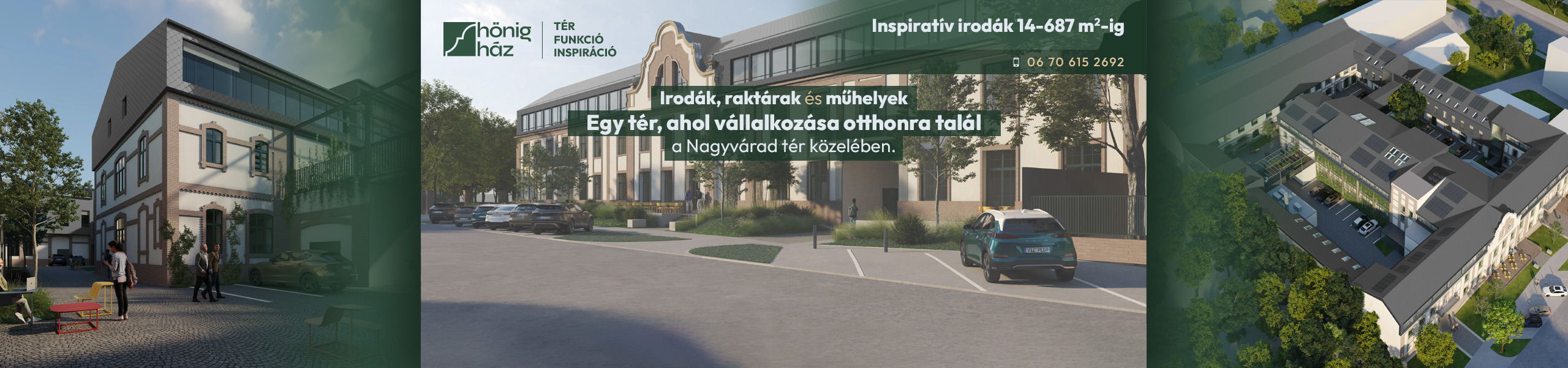
An office to advertise?
Show it where tenants look: on Hungary's largest office search portal.
The portal in figures
- 2,000 unique visitors a day Companies looking for an office, and property professionals.
- 4,500 office searches a day Result lists your building can appear in.
- 90% satisfied landlords A well-presented building brings the right tenant.
- 20,000+ m² of space let in the last quarter Your success is our success.
Highlights and advertising
-
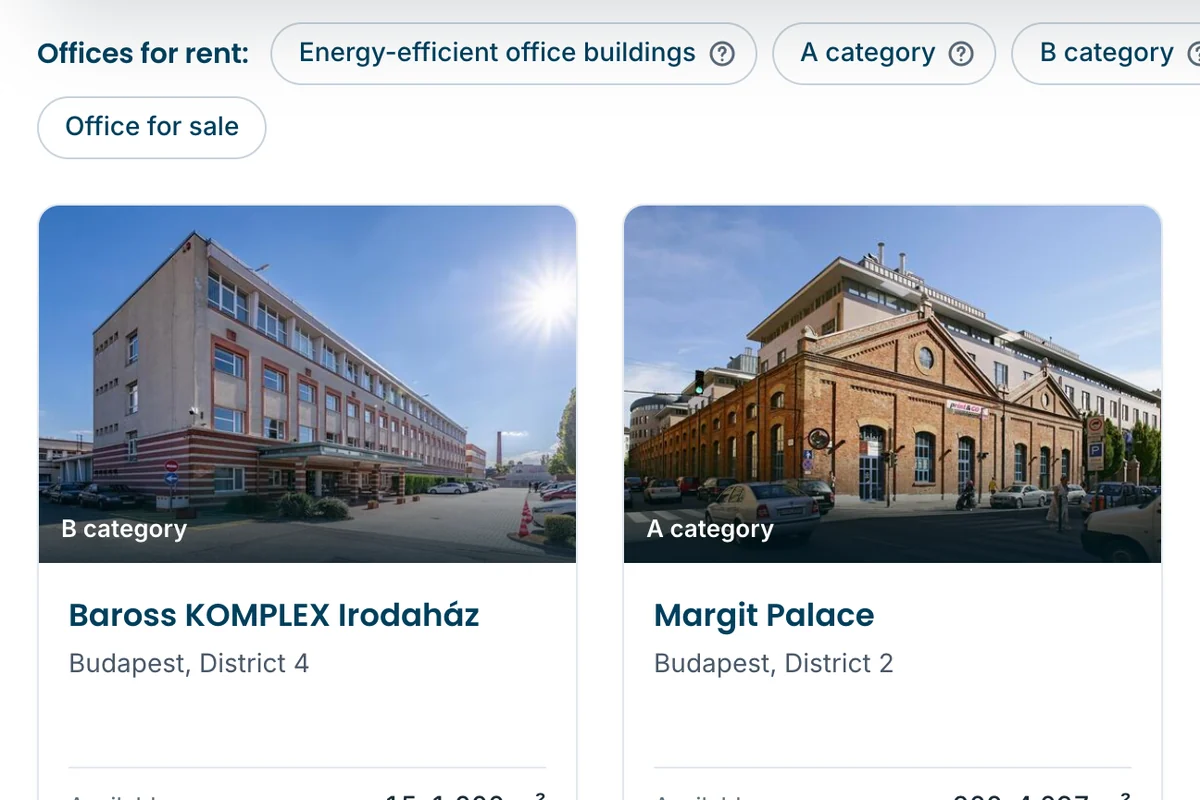
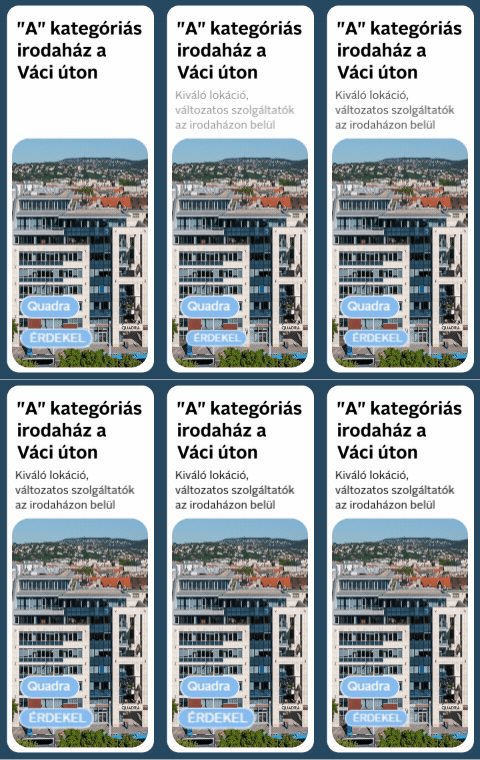
Featured building
Your building among the featured buildings on the home page and in the featured band of the search lists.
-
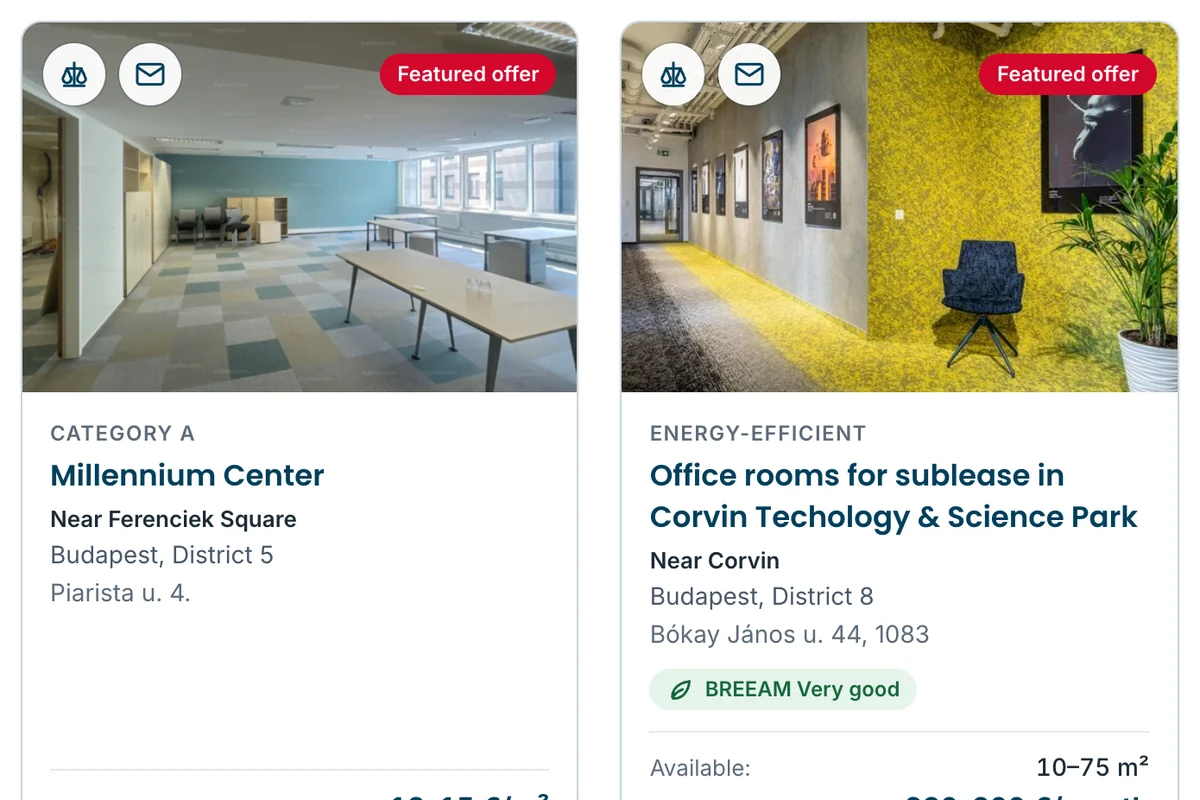
List highlight
Your listing moves to the top of the search lists, with a frame and a badge of its own.
-
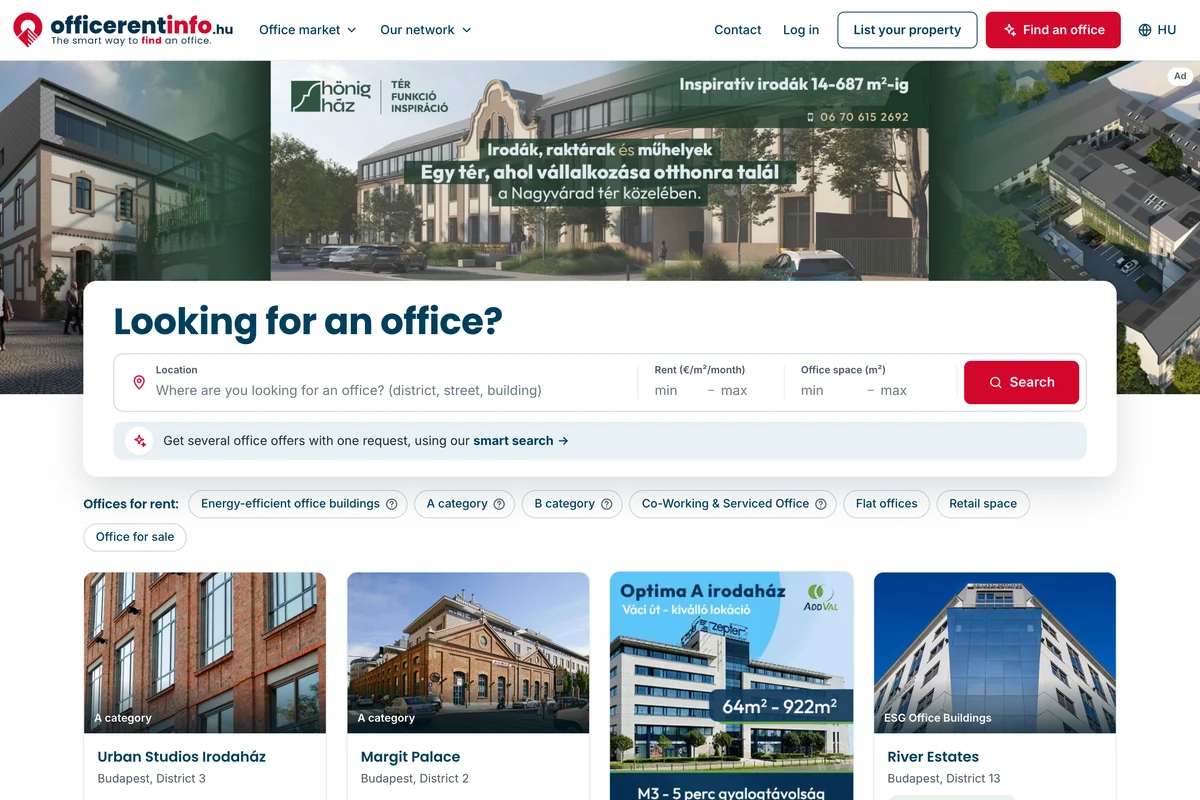
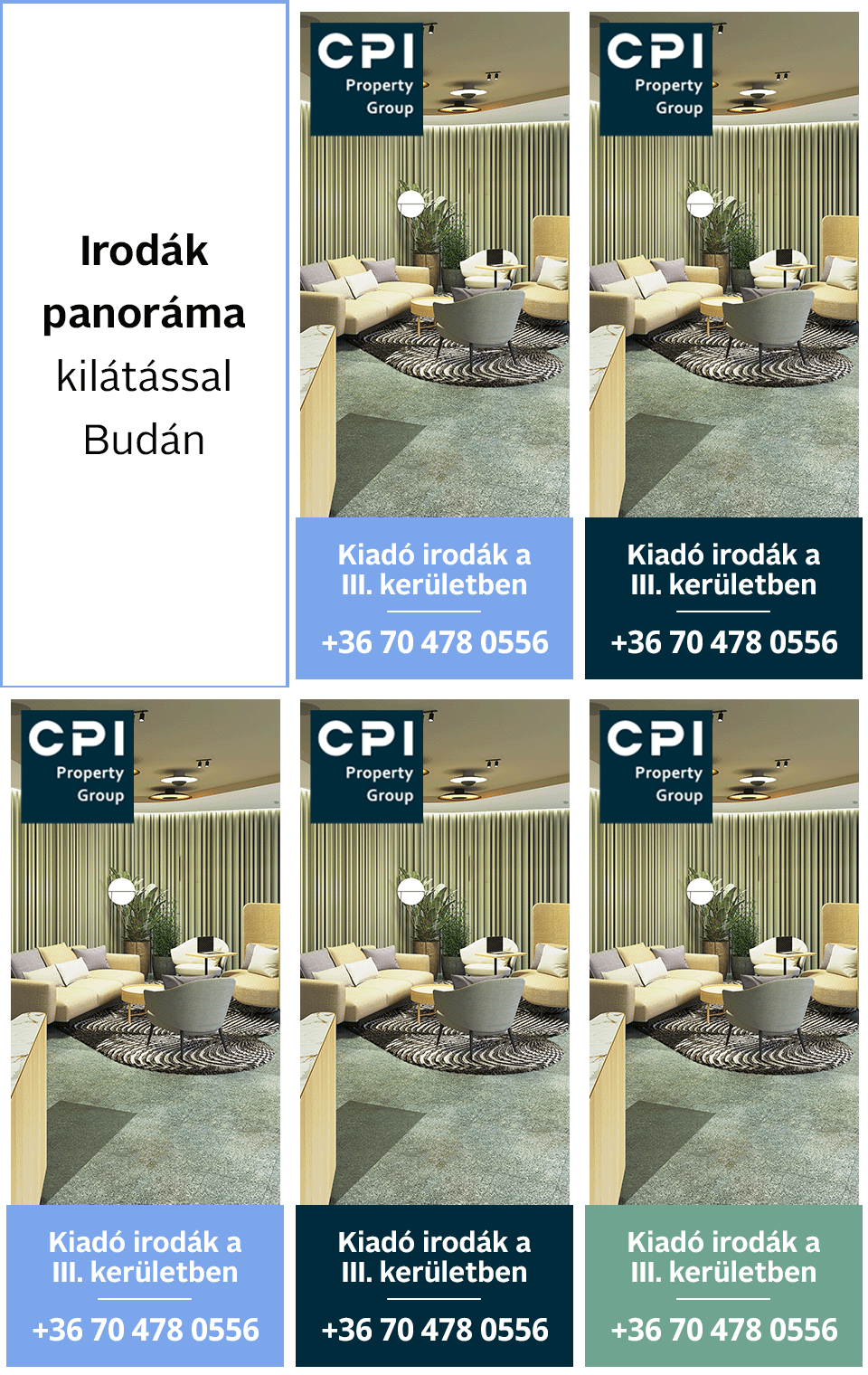
Panorama banner
Across the top of the home page, above the search, at the window's full width: the portal's most visible advertising space.
-
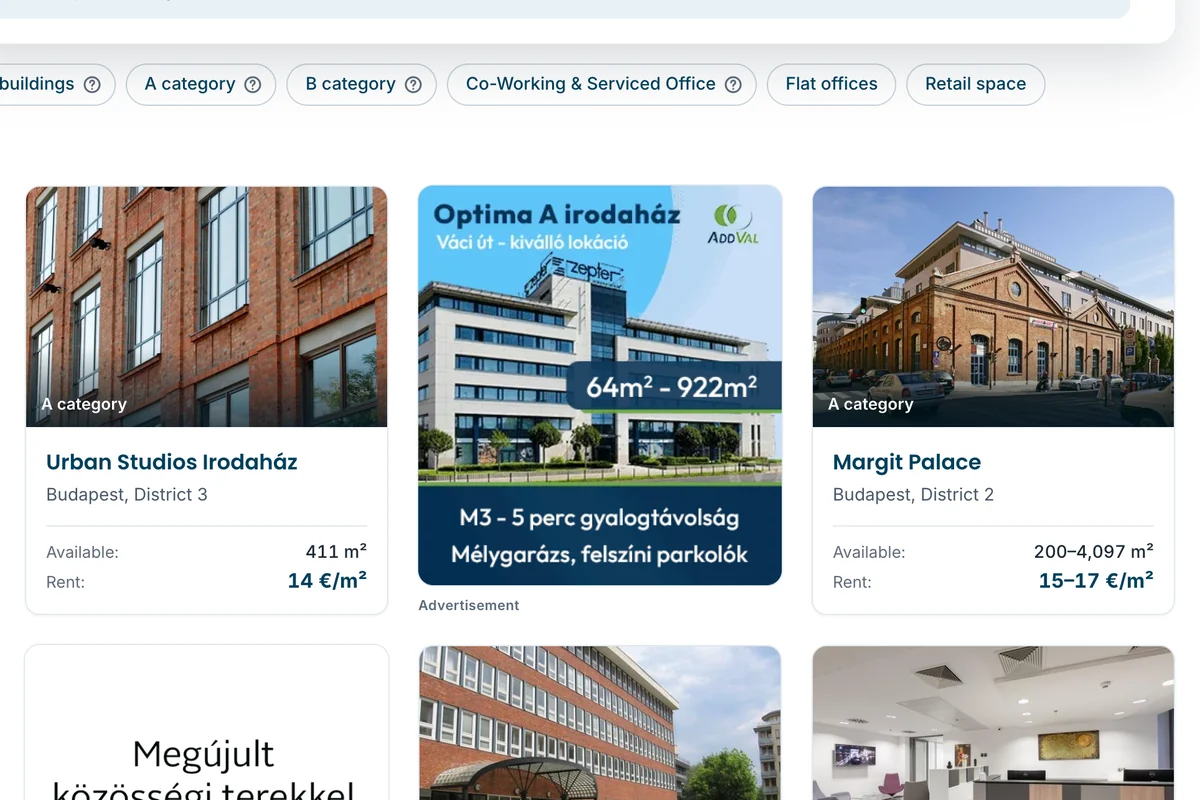
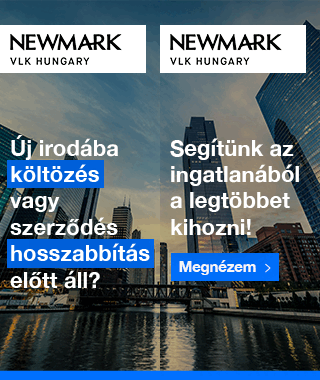
Central banner
On the home page among the featured buildings, in the place of a building's card.
-
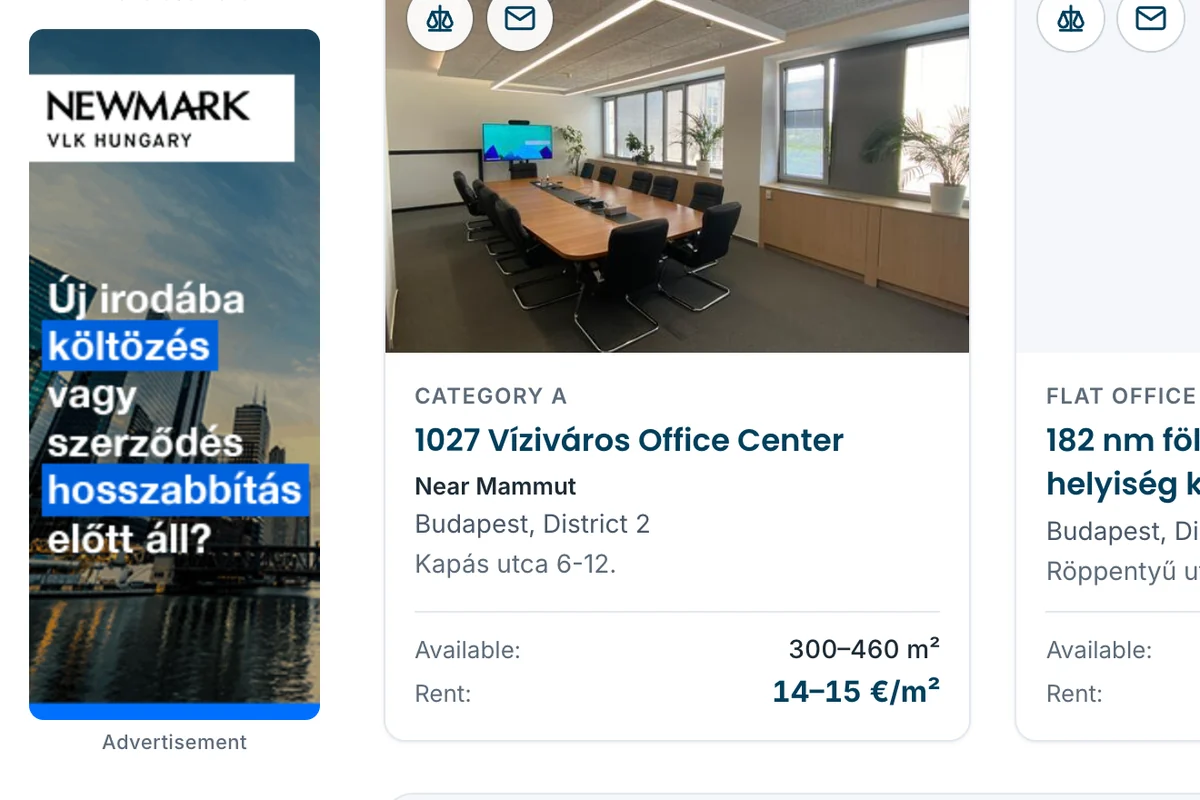
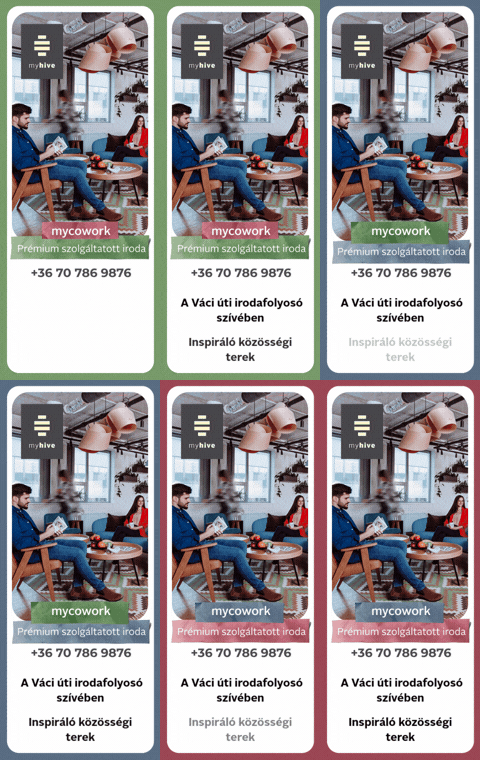
Side banner
At both edges of the page, beside the search lists, the listings and the articles; it stays in view as the page scrolls.
A banner can run in the portal's newsletter too.
Tenants looking right now
Tenants describe the office they need; the request goes to the advertisers who have such an office.
| I am looking for a showroom space in the XIII district | 70–100 m² | 29 Jul 2026 |
| I'm looking for a small office in Budapest | 10–15 m² | 17 Jul 2026 |
| We are looking for an office in proximity of the Parliament | 500–1,000 m² | 16 Mar 2026 |
How it works
-
Register
Enter your company and your contact details.
-
Upload your building
Photos, areas, rents: you edit the listing in the control panel.
-
Receive enquiries
Tenants' requests arrive by email and in the control panel.
Registration is free; you choose a package for your listing, and ask for a quote for highlights and advertising.
Media kit (PDF)Show your building to tenants
Register, upload your building and receive enquiries.